
For marketing teams
On-brand images without the design queue
Describe what the campaign needs and get images in your brand's Style, with your real logo and products. Everything lands in one shared library, so nobody digs through chats and downloads folders.
50 free credits for new accounts, about 16 images. No card needed.
Examples
Odd Hours CoffeeCoffee subscription
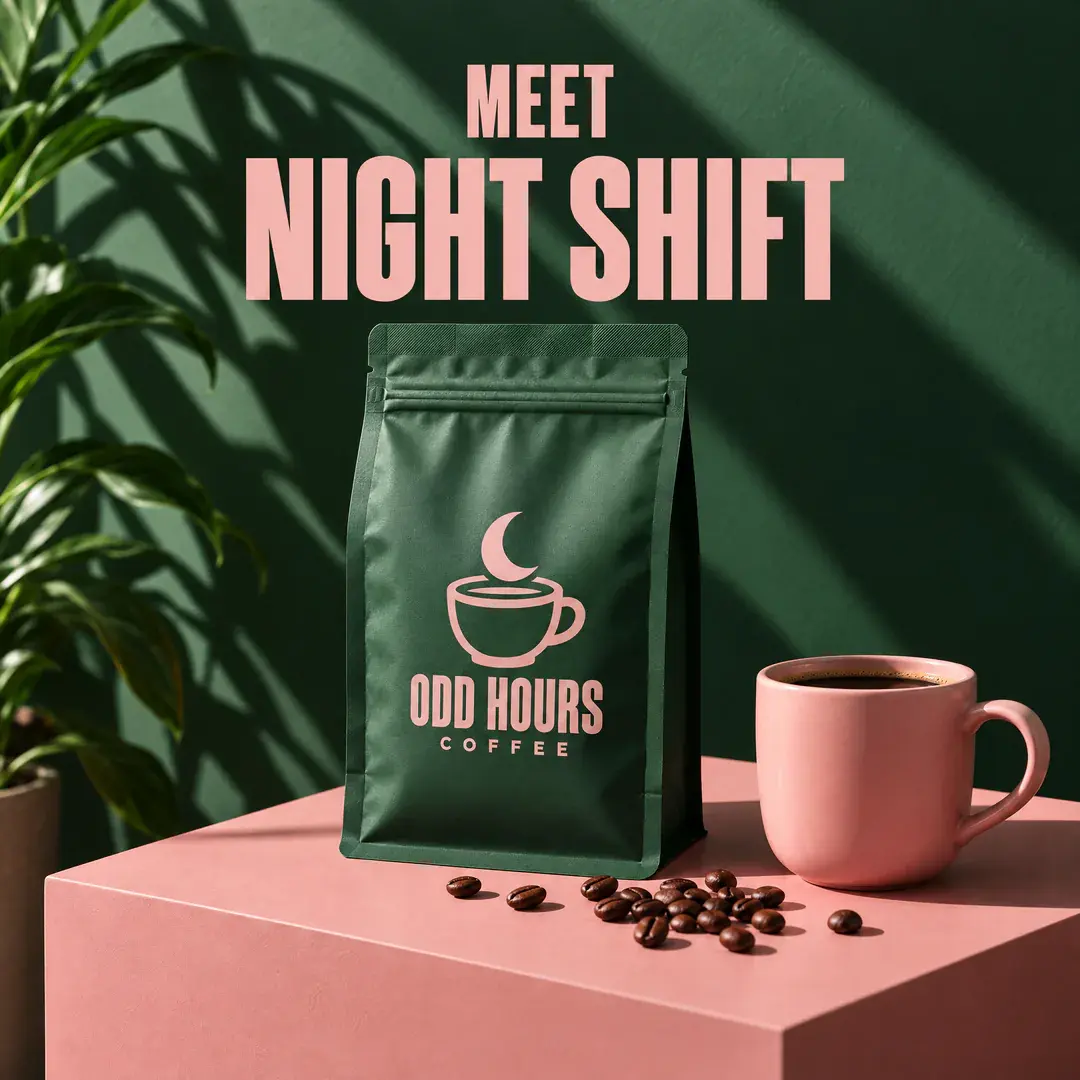
Launch ad 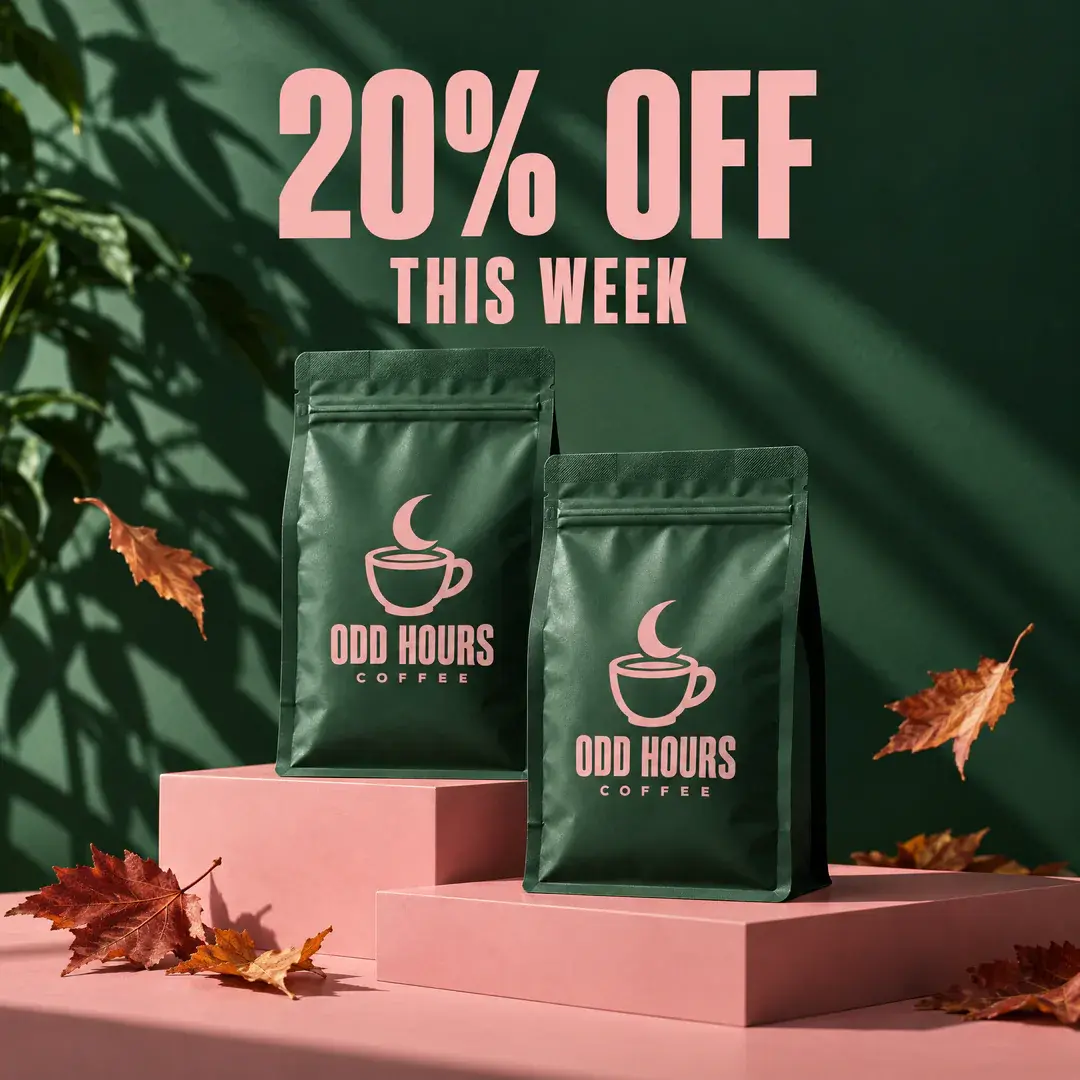
Sale email header 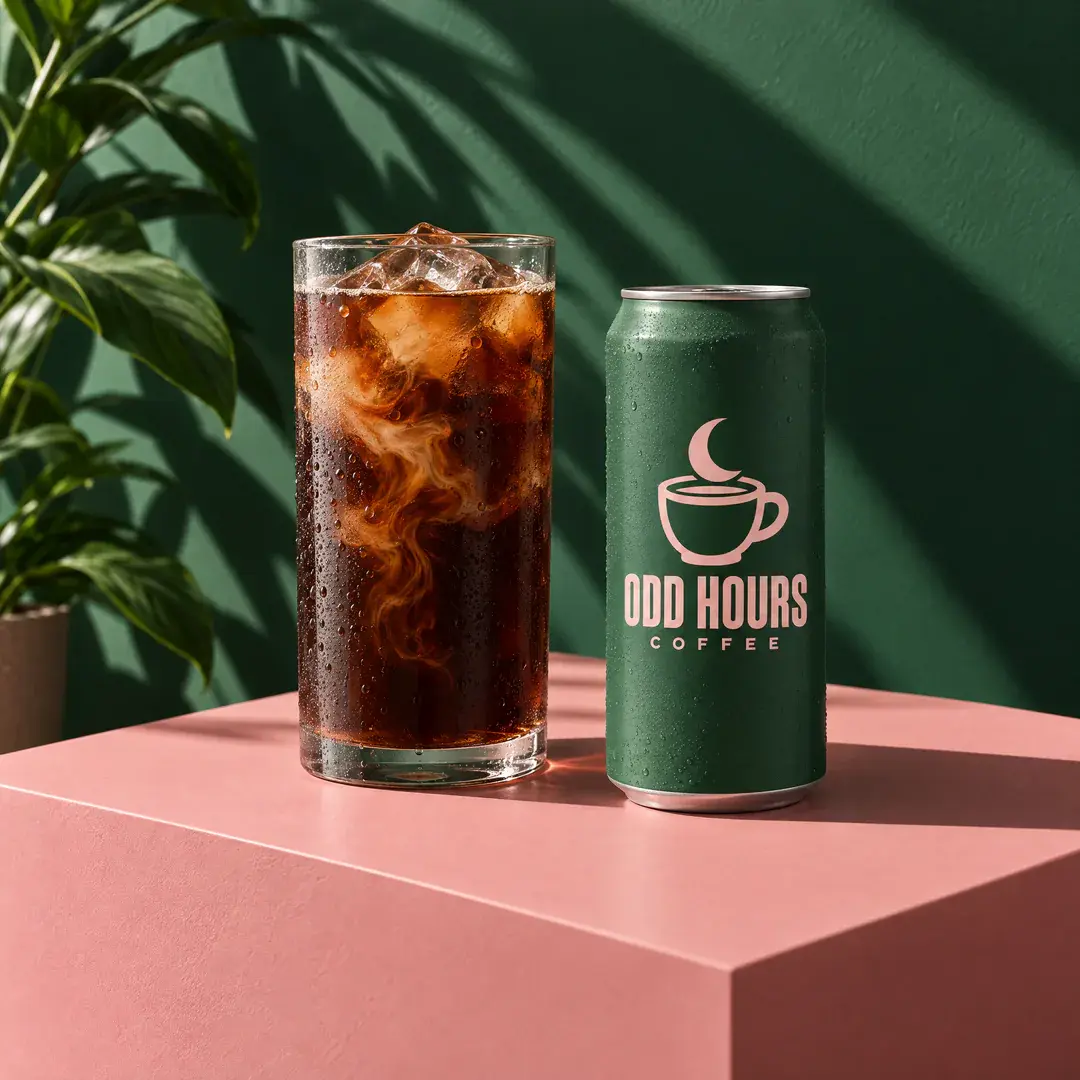
Product shot 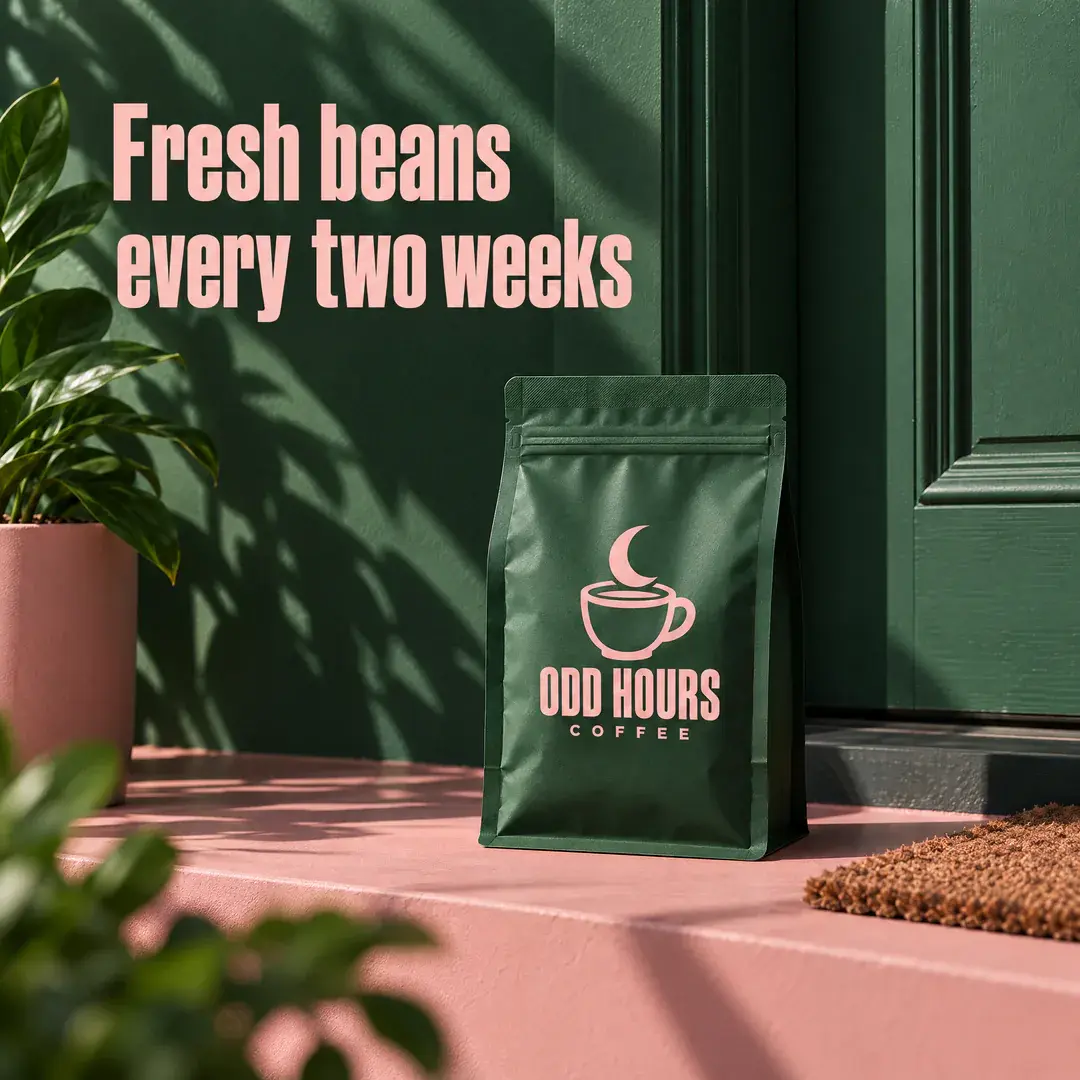
Subscription ad 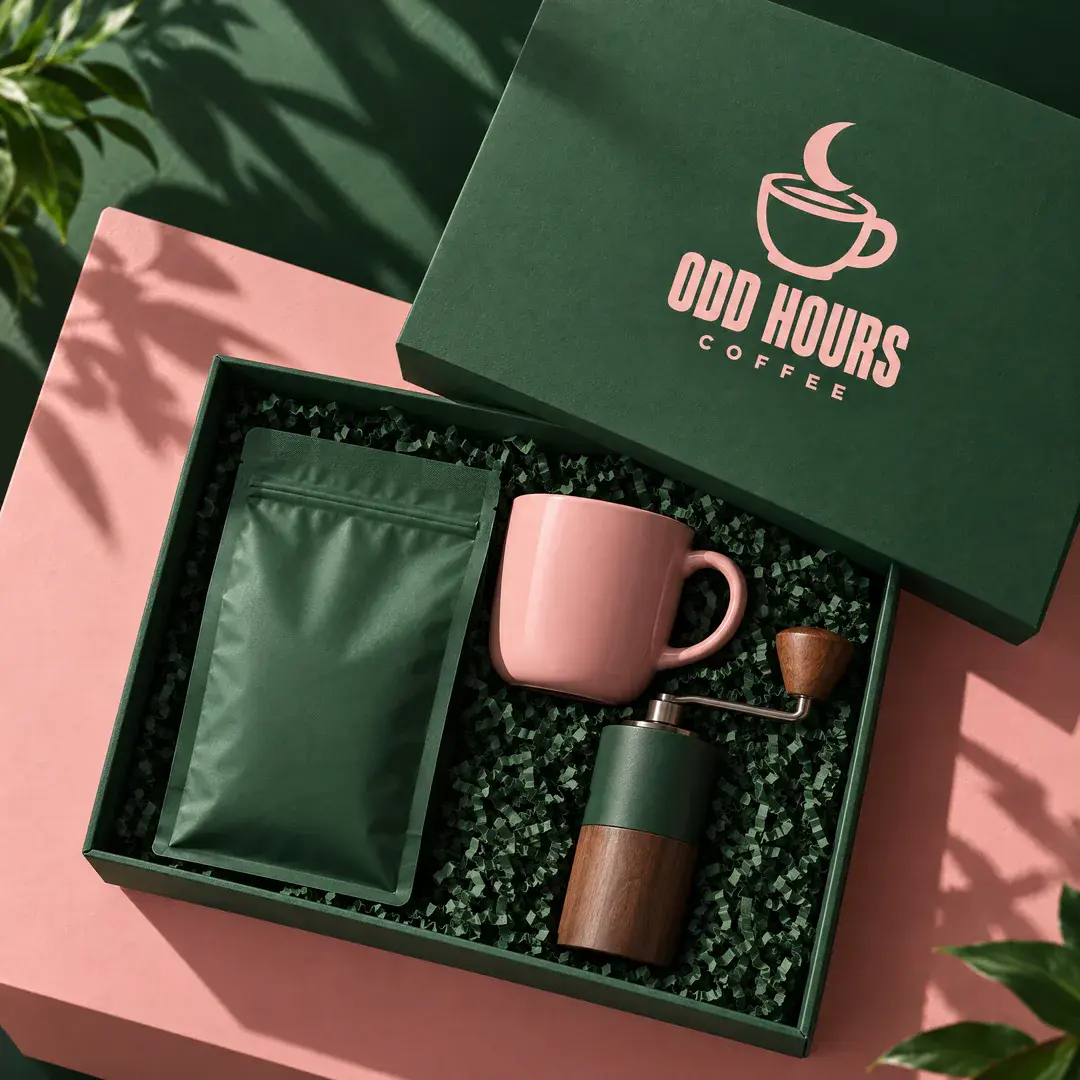
Gift box
Instagram ad for our new blend: our coffee bag with our logo on a blush pink plinth against a forest green wall, hard sunlight, headline “Meet Night Shift”
Sample brands, made up for these examples. Every image was made with Asset Generator.
Your guidelines, built in
Turn your website or brand images into a Style: your colours, mood and the kind of images you use. Everyone generates with the same Style, so a post from sales looks like a post from marketing.
Your real products and logos
Upload official logos and product photos to the brand once. Add them to a request to put your actual product in a new scene.
One library for the team
Every image is saved with the Style and settings used, so anyone can find it, reuse it or make a new version.
Where your team already works
Use the web app, or connect ChatGPT or Claude so people can ask for images in the chat they already use.
How it works
- 1
Set up your brand
From your website, plus your logos and products.
- 2
Describe the image
“Email header for our autumn sale, 20% off.”
- 3
Use it everywhere
Download it, or make a version for each channel.
Questions
Why not just use ChatGPT?
ChatGPT makes good images, but each chat starts from scratch: you explain the brand again, upload the logo again, and the results end up spread across chats. Asset Generator uses image models from OpenAI and Google too, and remembers your brand for the whole team.
Why not Canva?
Canva is great for layouts and text. Asset Generator makes the images themselves: product scenes, illustrations and backgrounds in your style. Plenty of teams make the image here and lay it out in Canva.
How do credits work?
A standard image costs 3 credits. Bigger or higher-quality images cost more. Adding your logo or photos costs nothing extra. New accounts get 50 credits to start (about 16 images), then 20 a month on Free. Pro is $19 a month for 300 credits, about 100 images.
Make your first one free
Sign up with Google or your email. You get 50 credits to start, about 16 images, and no card is needed.
Start free