
For app developers
One style for every image your app needs
An icon, onboarding art, store backgrounds and launch posts that look like they belong together. Make them in the browser, from Claude Code or Cursor, or with a few lines of code.
50 free credits for new accounts, about 16 images. No card needed.
Examples
SplitsRunning app
 Splits
App icon 
App Store screenshot 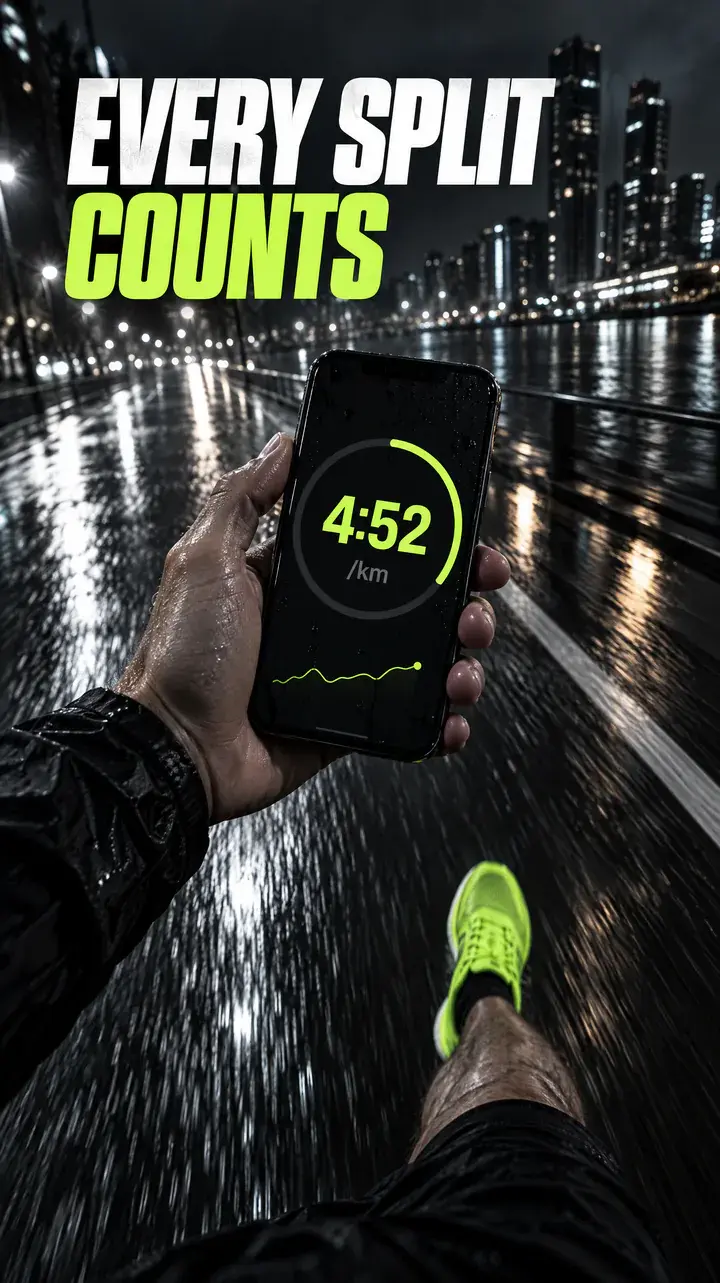
App Store screenshot 
Onboarding screen 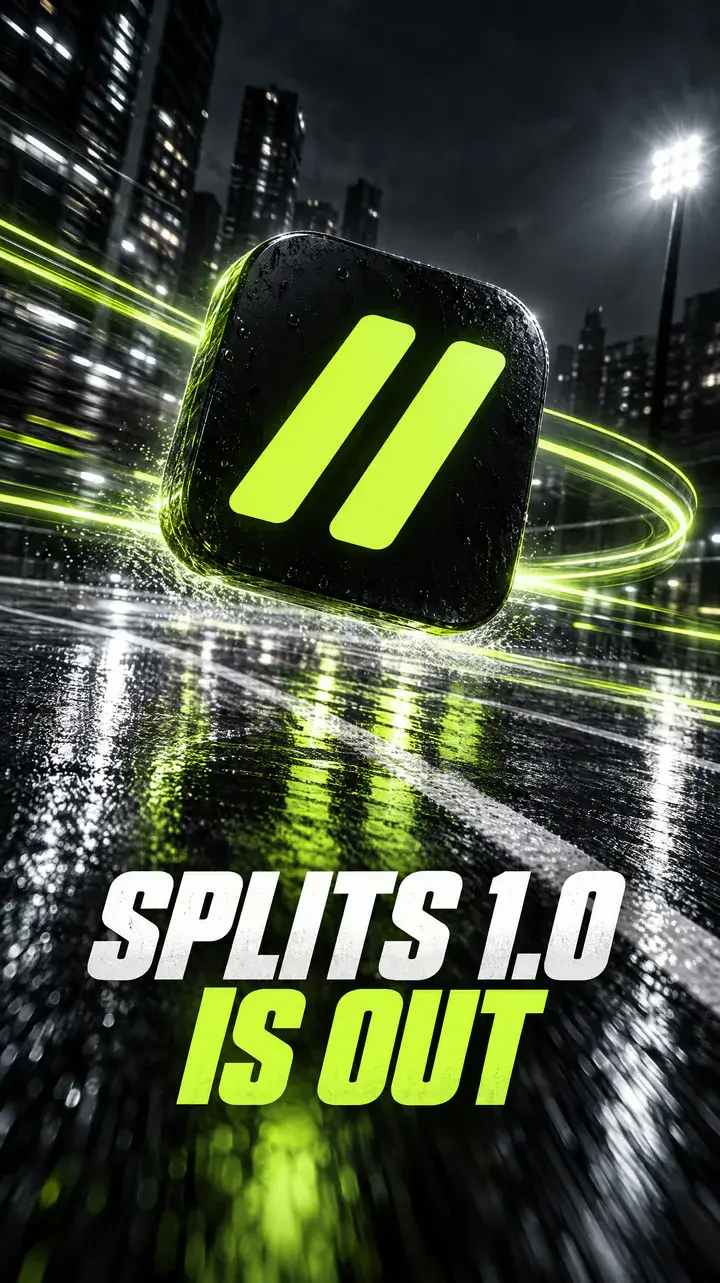
Launch story
Launch story for Instagram: our app icon floating above a wet running track at night with volt green light trails, headline “SPLITS 1.0 IS OUT”
Sample brands, made up for these examples. Every image was made with Asset Generator.
Set the style once
Upload your icon or a landing page mock and Asset Generator turns it into a Style. Every image after that uses the same colours, shapes and mood. The Splits set above took about 15 minutes.
From your editor
Install the plugin in Claude Code, or add the server in Cursor or VS Code. Ask for “an onboarding screen for Splits” and it's made in that brand's Style and saved to its library.
Or script it
The REST API takes a prompt, a Style and a shape, runs the job in the background, and returns a download URL with a sensible filename. Pass your icon as a reference image so launch art reuses it.
Shapes for stores and socials
Use 1:1 for icons and posts, 9:16 for App Store backgrounds and 16:9 for launch images. For icons, ask for a full-bleed square with no rounded corners; the stores add their own mask. Free makes 1K images; Pro goes up to 4K.
How it works
- 1
Make your icon
Describe it, or upload the one you have.
- 2
Turn it into a Style
Your colours, shapes and mood, saved.
- 3
Generate the rest
Onboarding, store and launch images, from the web, your editor or the API.
Questions
Is there an API?
Yes: a REST API with keys you create in Settings, plus an MCP server for AI apps. The Free plan includes 100 API requests a day.
How much does an image cost?
A standard image costs 3 credits. Bigger or higher-quality images cost more. Adding your logo or photos costs nothing extra. New accounts get 50 credits to start (about 16 images), then 20 a month on Free. Pro is $19 a month for 300 credits, about 100 images.
Which editors does it work in?
Claude Code (as a plugin), Cursor and VS Code with GitHub Copilot, as well as Claude and ChatGPT. One connection covers your personal library and every brand you belong to.
Make your first one free
Sign up with Google or your email. You get 50 credits to start, about 16 images, and no card is needed.
Start free