
Icons
Icons in your style, from a sentence
Describe the icon you need and get it in your brand's colours and shapes. Then change it with words: bolder, simpler, no border.
50 free credits for new accounts, about 16 images. No card needed.
Examples
PostcardTravel app
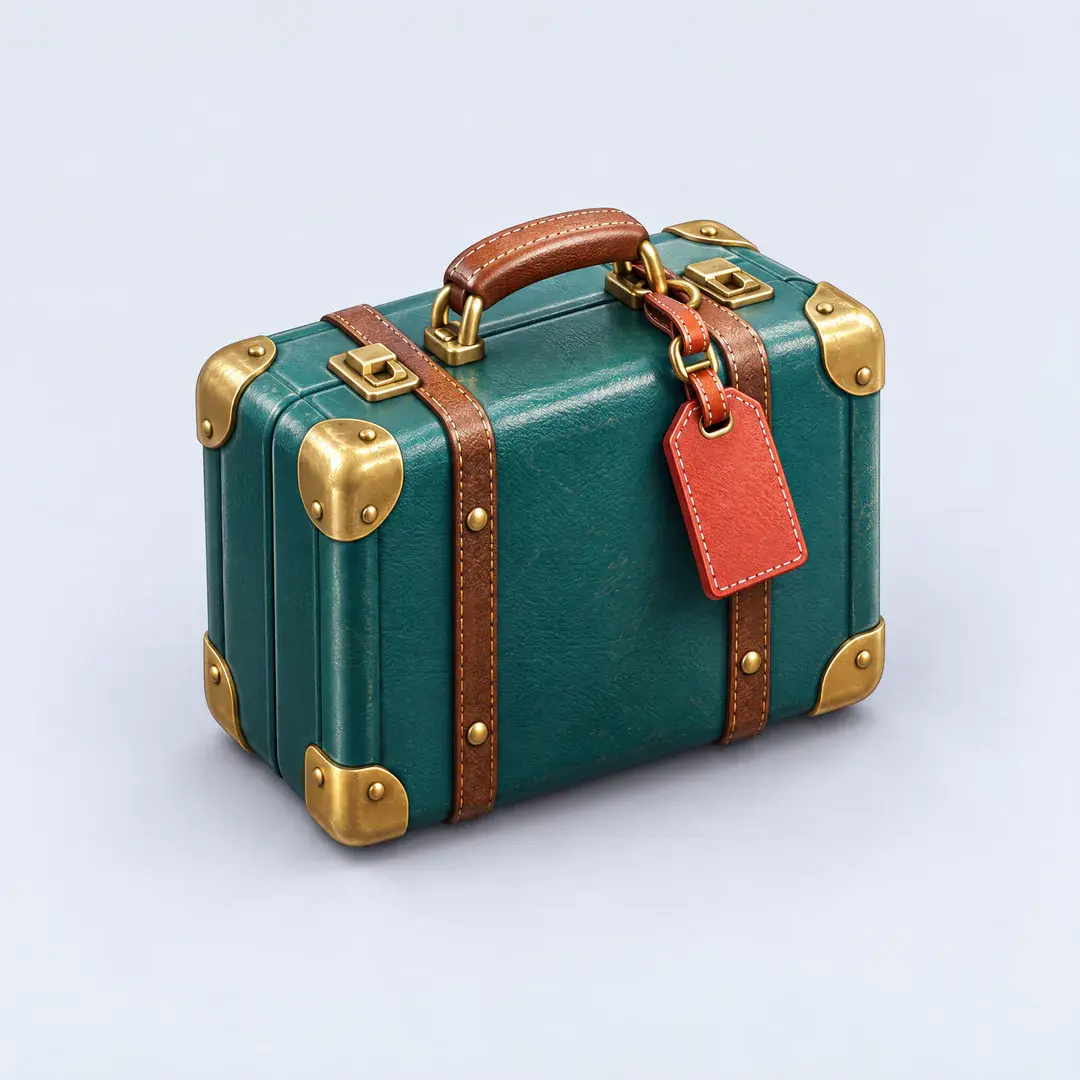
Trips 
Maps 
Flights 
Photos 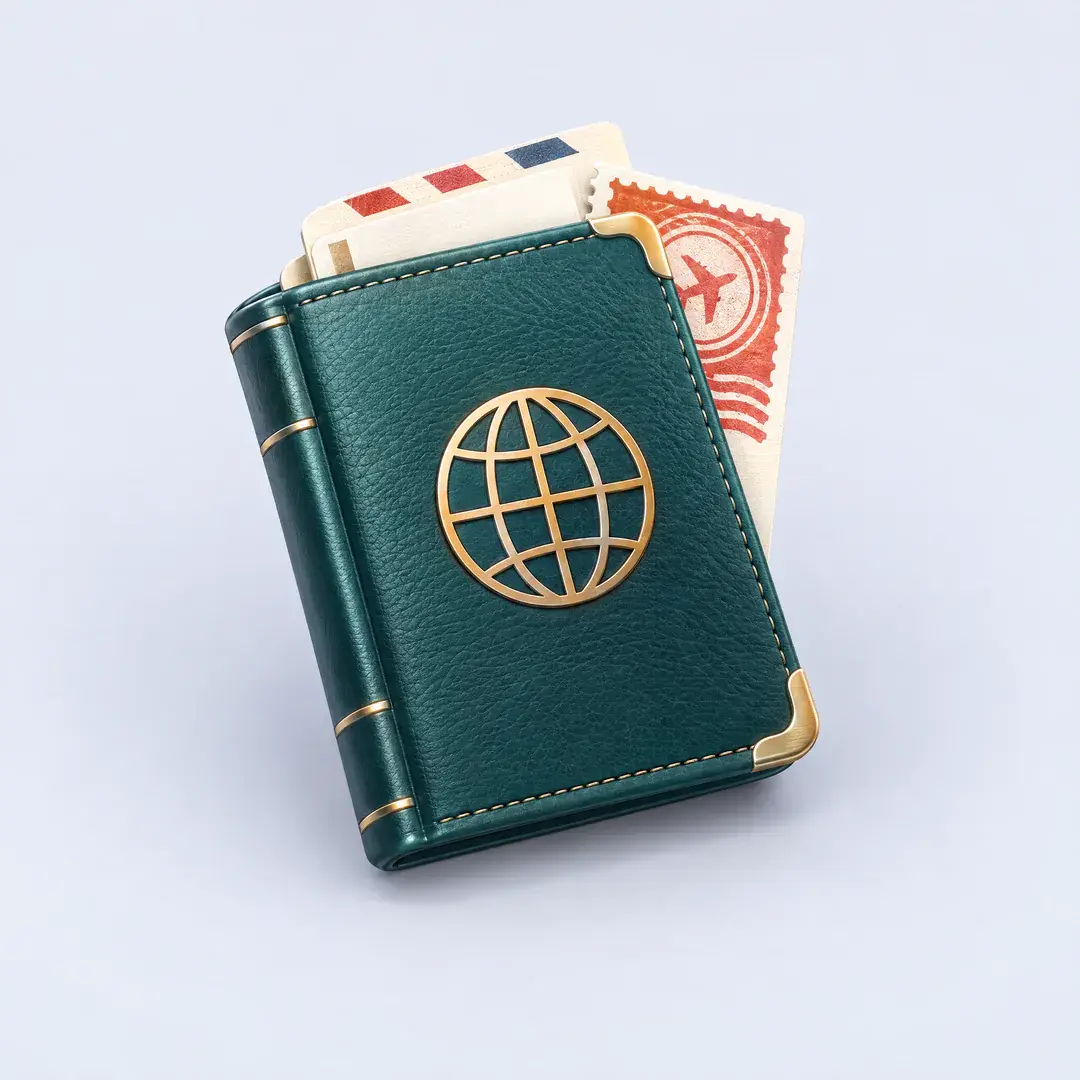
Passport
Icon for Trips: a vintage teal suitcase with brass corners and a red luggage tag
Sample brands, made up for these examples. Every image was made with Asset Generator.
Describe it
“A vintage teal suitcase with brass corners and a red luggage tag.” You get a finished icon in under a minute.
Keep a set consistent
Save the look as a Style and every icon after it matches, along with the illustrations and launch images around it.
Change it with words
Ask for full-bleed, no rounded corners or no drop shadow, and get a new version while the old one stays in your library.
Ready for the stores
Make icons as a full-bleed square; the App Store and Google Play add their own rounded mask. Free makes 1K images; Pro goes up to 4K.
How it works
- 1
Describe the icon
What it shows, its colours, no text.
- 2
Pick a Style
Or start without one.
- 3
Refine and download
Describe a change to get a new version.
Questions
How much does an icon cost?
A standard image costs 3 credits. Bigger or higher-quality images cost more. Adding your logo or photos costs nothing extra. New accounts get 50 credits to start (about 16 images), then 20 a month on Free. Pro is $19 a month for 300 credits, about 100 images.
Can I make a whole set?
Yes. Save your first icon's look as a Style and make the rest with it.
Make your first one free
Sign up with Google or your email. You get 50 credits to start, about 16 images, and no card is needed.
Start free