
Illustrations
Illustrations that look like one artist made them
Save your illustration style once, then describe each scene in a sentence. Onboarding screens, empty states, blog headers and slides all come out matching.
50 free credits for new accounts, about 16 images. No card needed.
Examples
KettleTeam planning app
Empty state 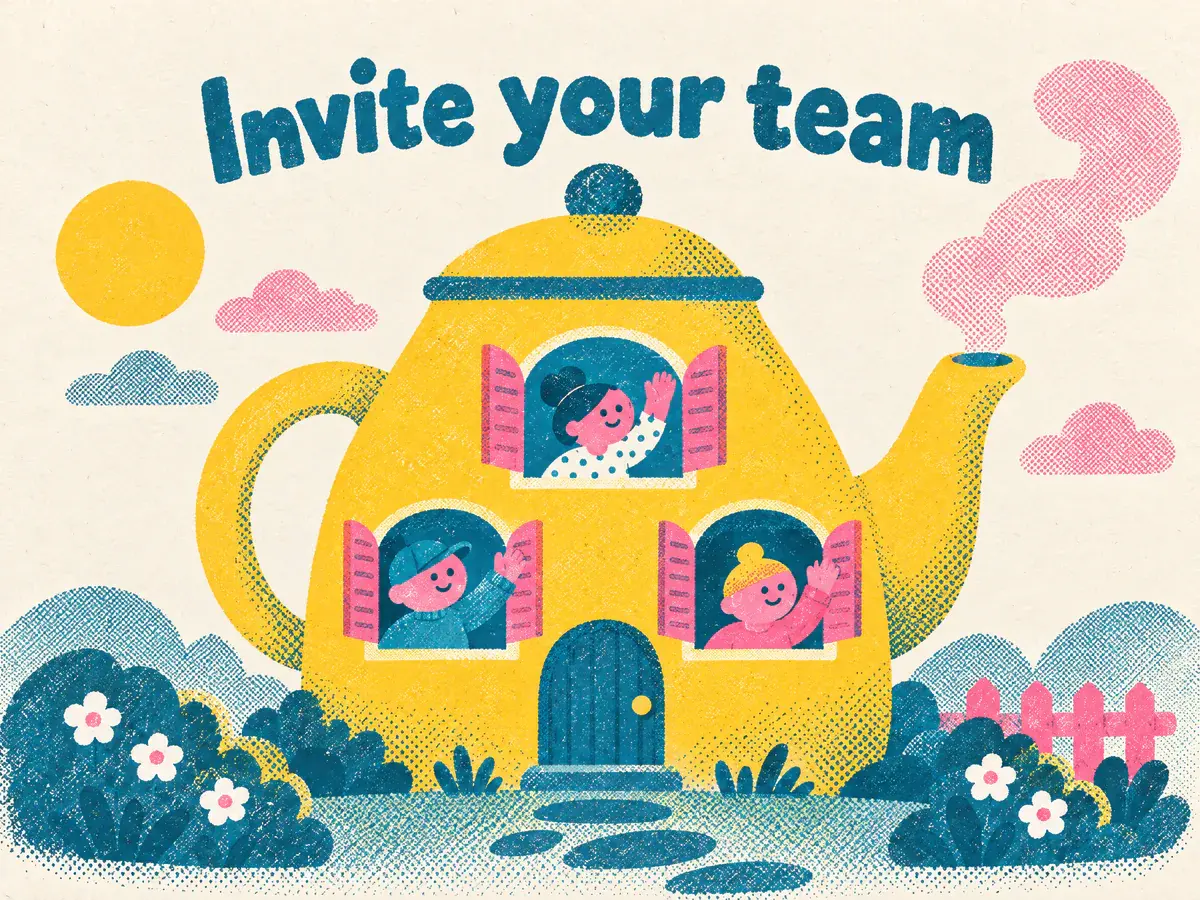
Onboarding screen 
Blog header 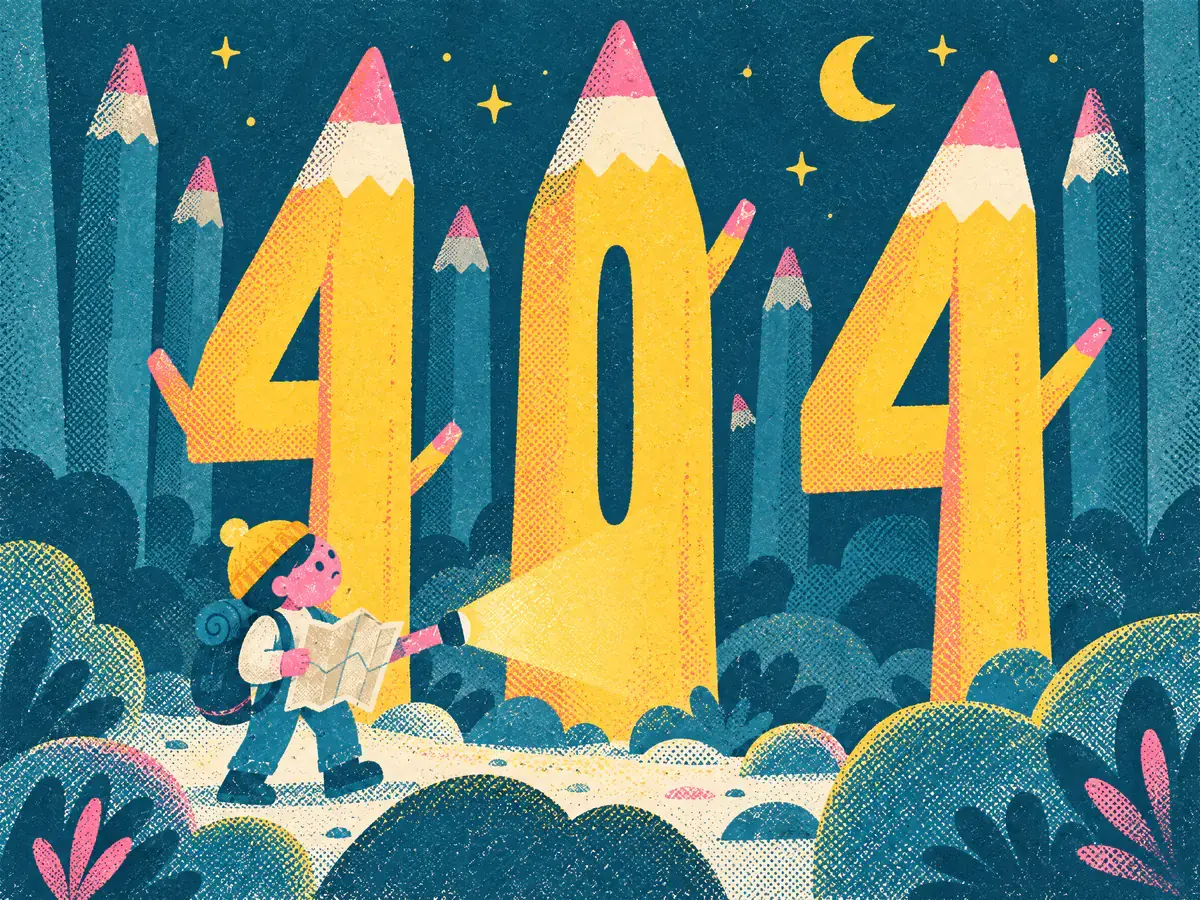
404 page 
Slide
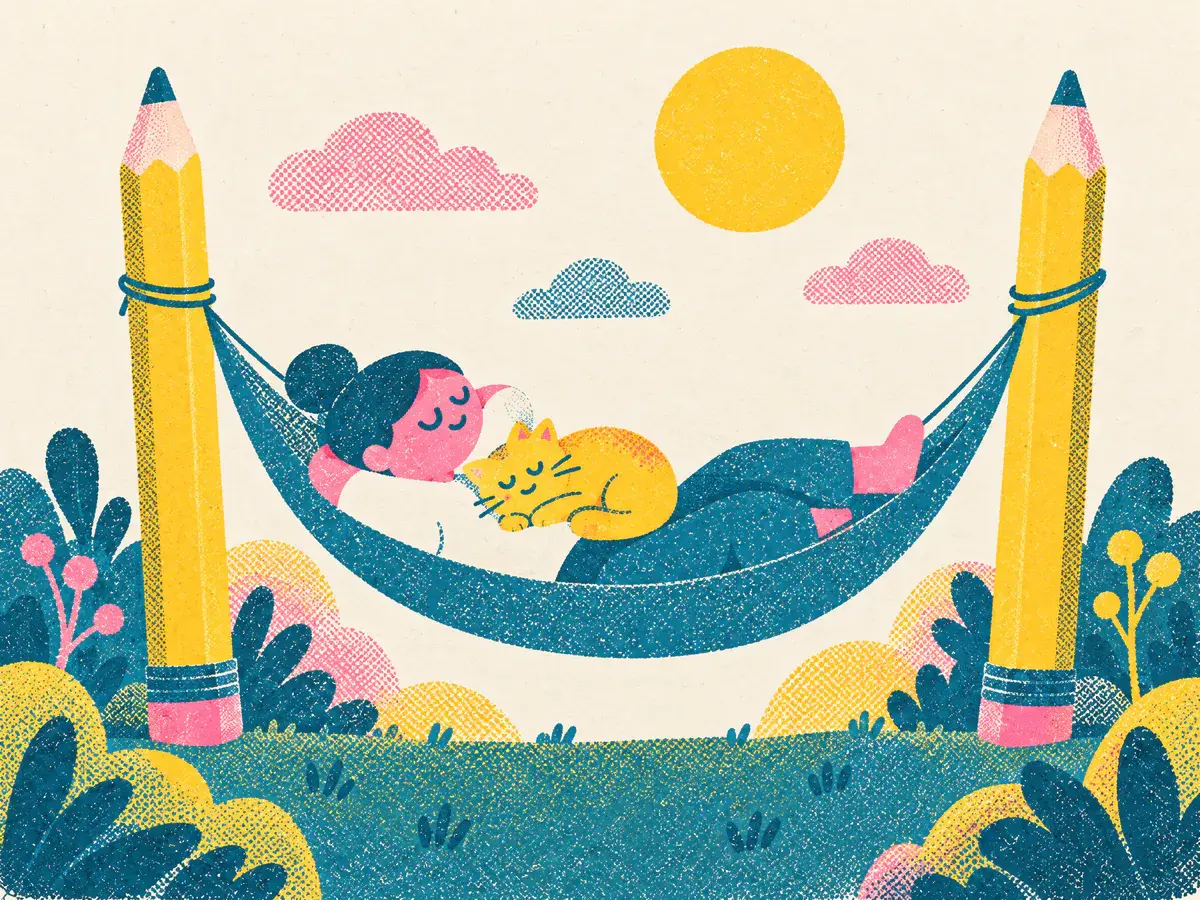
Empty state for a cleared inbox: someone napping in a hammock strung between two giant pencils, a cat asleep on their chest
Sample brands, made up for these examples. Every image was made with Asset Generator.
Save the look once
Upload a few illustrations you like, or ones you already use, and they become a Style. You can tweak its colours and description any time.
Describe the scene, not the style
With the Style picked, you only say what should be in the picture: “someone napping in a hammock strung between two giant pencils”.
Change it with words
Ask for more space at the top, a different object or a warmer colour, and get a new version next to the old one.
Use them anywhere
Onboarding, empty states, blog headers, slides and emails. Pick the shape you need, from square to tall or wide.
How it works
- 1
Pick or make a Style
From your own illustrations or a few you like.
- 2
Describe the scene
One sentence is enough.
- 3
Refine and download
Describe a change to get a new version.
Questions
How much does an illustration cost?
A standard image costs 3 credits. Bigger or higher-quality images cost more. Adding your logo or photos costs nothing extra. New accounts get 50 credits to start (about 16 images), then 20 a month on Free. Pro is $19 a month for 300 credits, about 100 images.
Can I start from my own illustrations?
Yes. Upload a few and they become a Style that new images follow.
Make your first one free
Sign up with Google or your email. You get 50 credits to start, about 16 images, and no card is needed.
Start free